
Difficulty at a glance
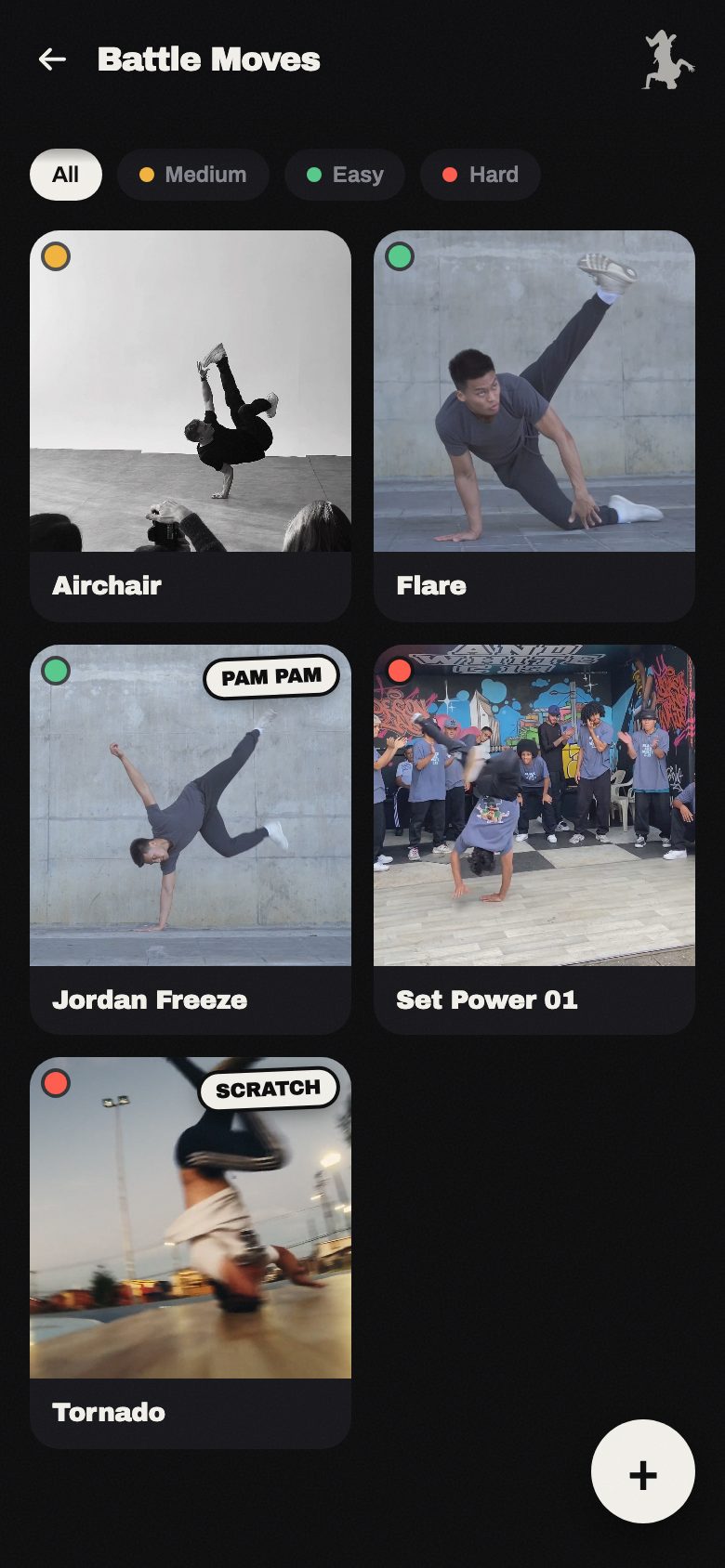
A green, amber, or red dot on every thumbnail. Open your gallery and in two seconds you see whether your arsenal is full of basics or actually loaded with high-level power.
Coming soon · Waitlist
No spam. One heads-up when it's ready for your scene, nothing else.
The problem
You train, a new move comes out, you keep training. You don't film it — or you film it and it gets buried under three thousand other clips in your camera roll. Three weeks later, you can't even remember how it went in.
And so, session after session, your real arsenal stays far below everything you've ever actually pulled off.
The solution
Lost Moves stores every move as a looping square video, with a name and the three things you actually use when training or competing.
A green, amber, or red dot on every thumbnail. Open your gallery and in two seconds you see whether your arsenal is full of basics or actually loaded with high-level power.
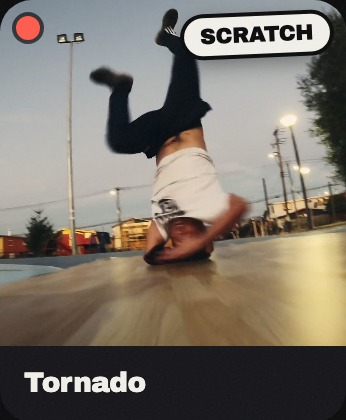
"PAM PAM," "SCRATCH" — the sound pattern each move fits, pinned right on the thumbnail like a sticker. No more trying to remember by ear what matched which break. There's no preset list: you invent every pattern yourself, exactly how it sounds inside your own head.
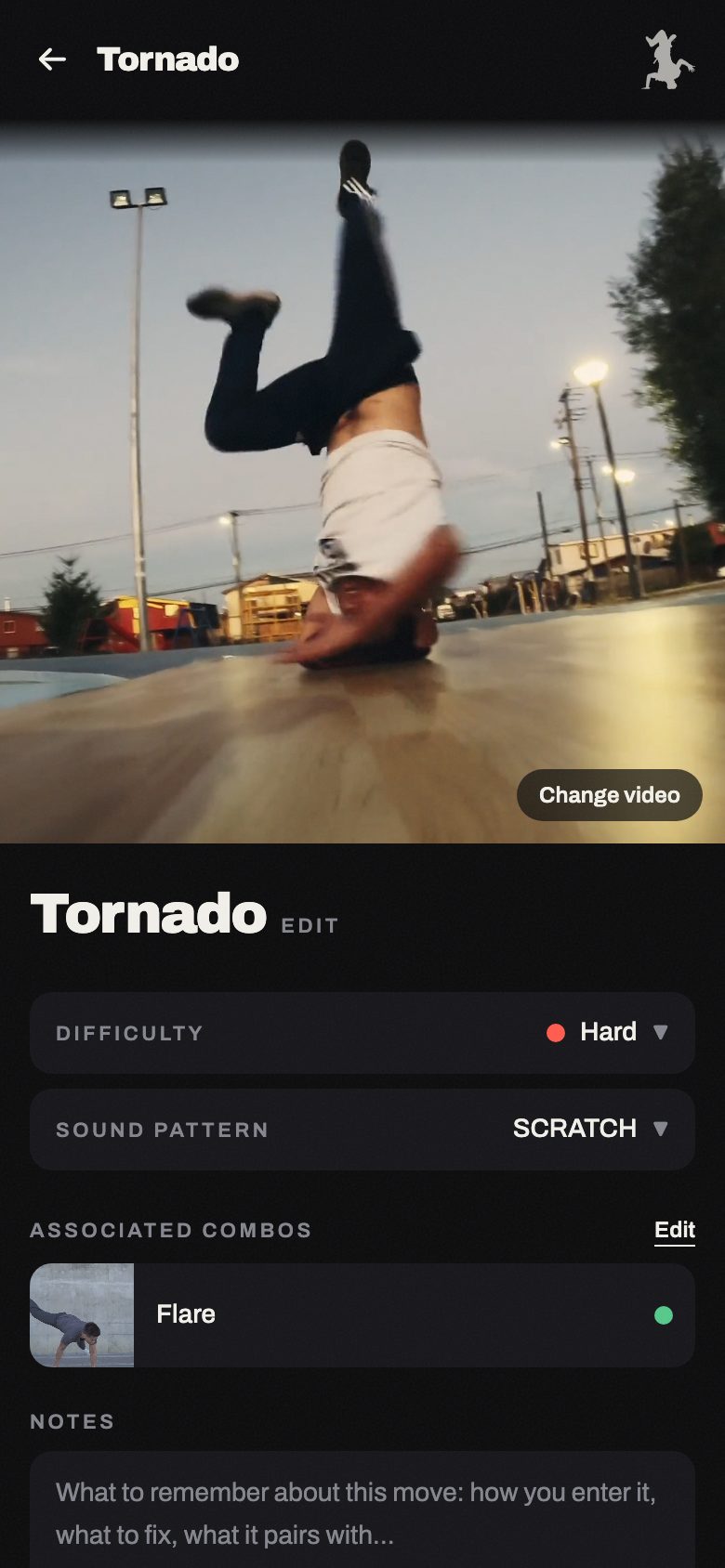
Mark that move A connects into move B, and the link shows up on both. Your combo library builds itself, one move at a time.
Film or pick the clip from your phone, drag to frame the square crop, name it. Seconds, mid-training — not a task you push to "later" that never actually happens.
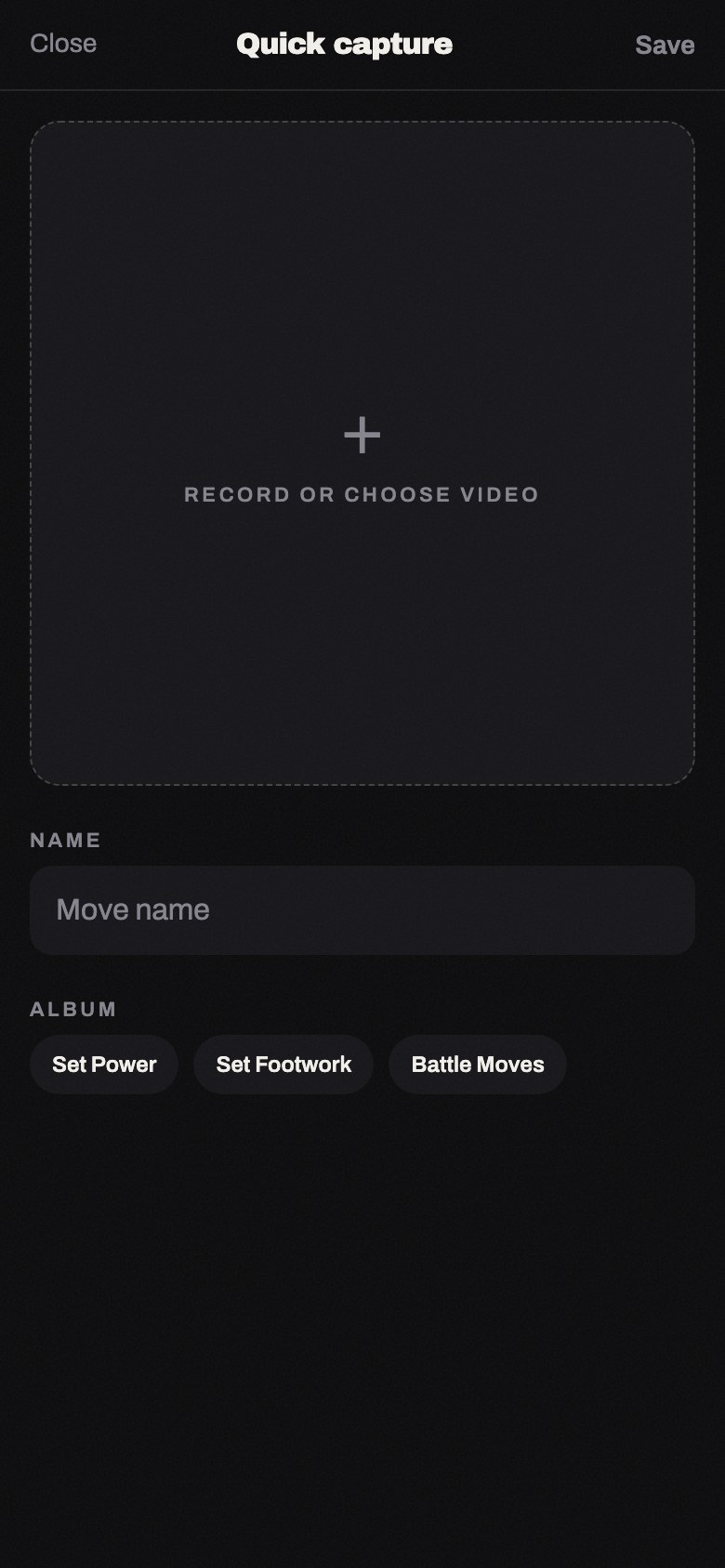
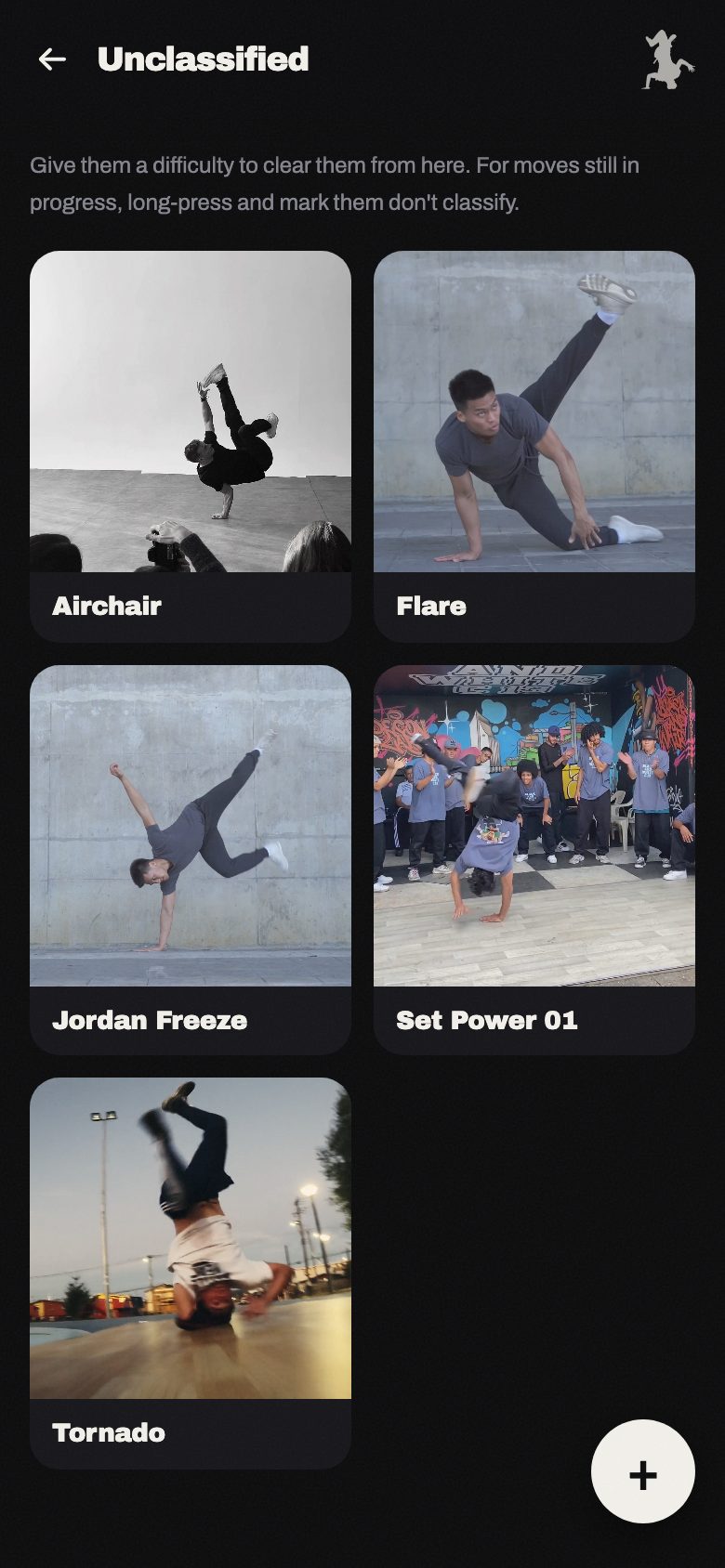
No time to rate it yet? It drops into "Unclassified." Still a work in progress? Mark it "Don't classify" and it stops demanding attention without getting lost.
How it works
Square video, name, album. Without leaving your training session.
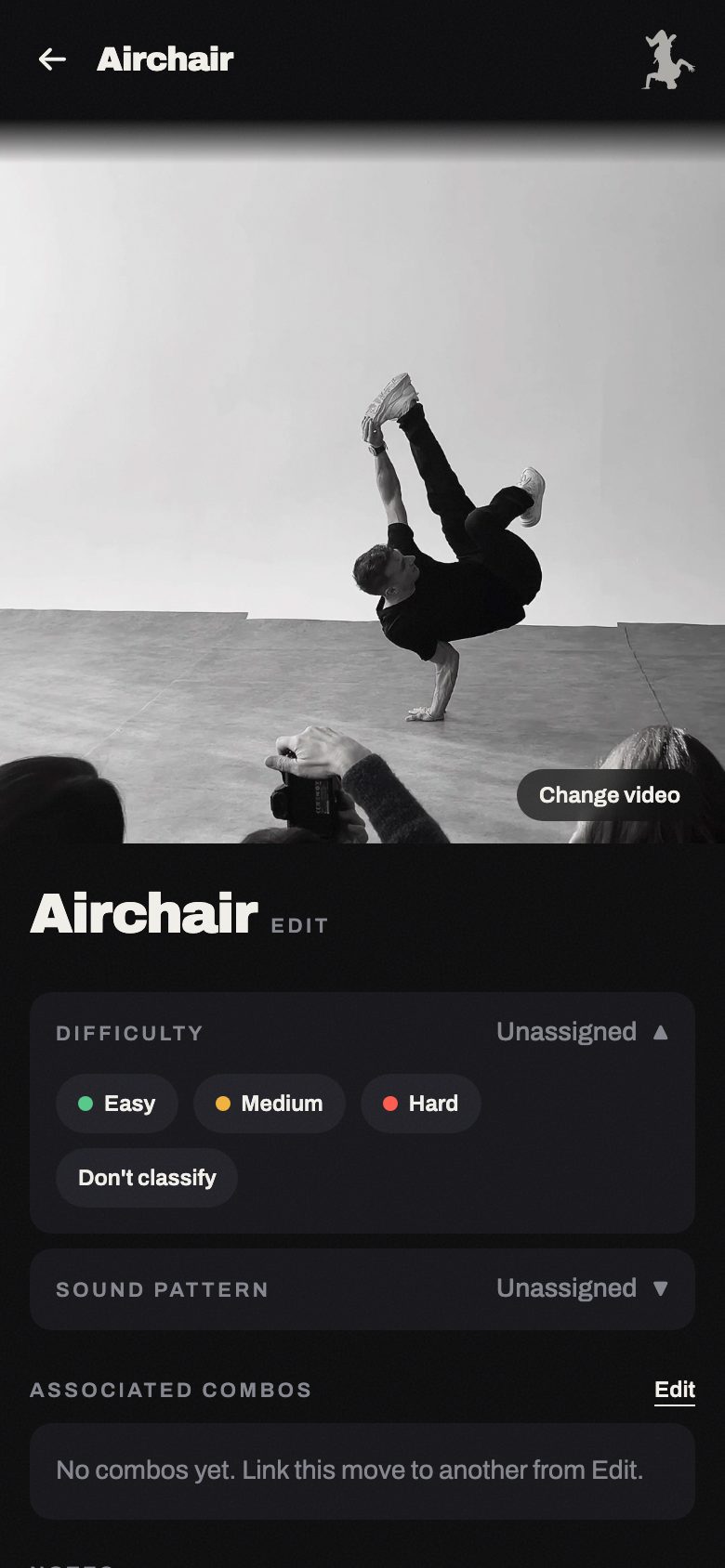
Difficulty, sound, combos. Whenever you get five minutes, not before.
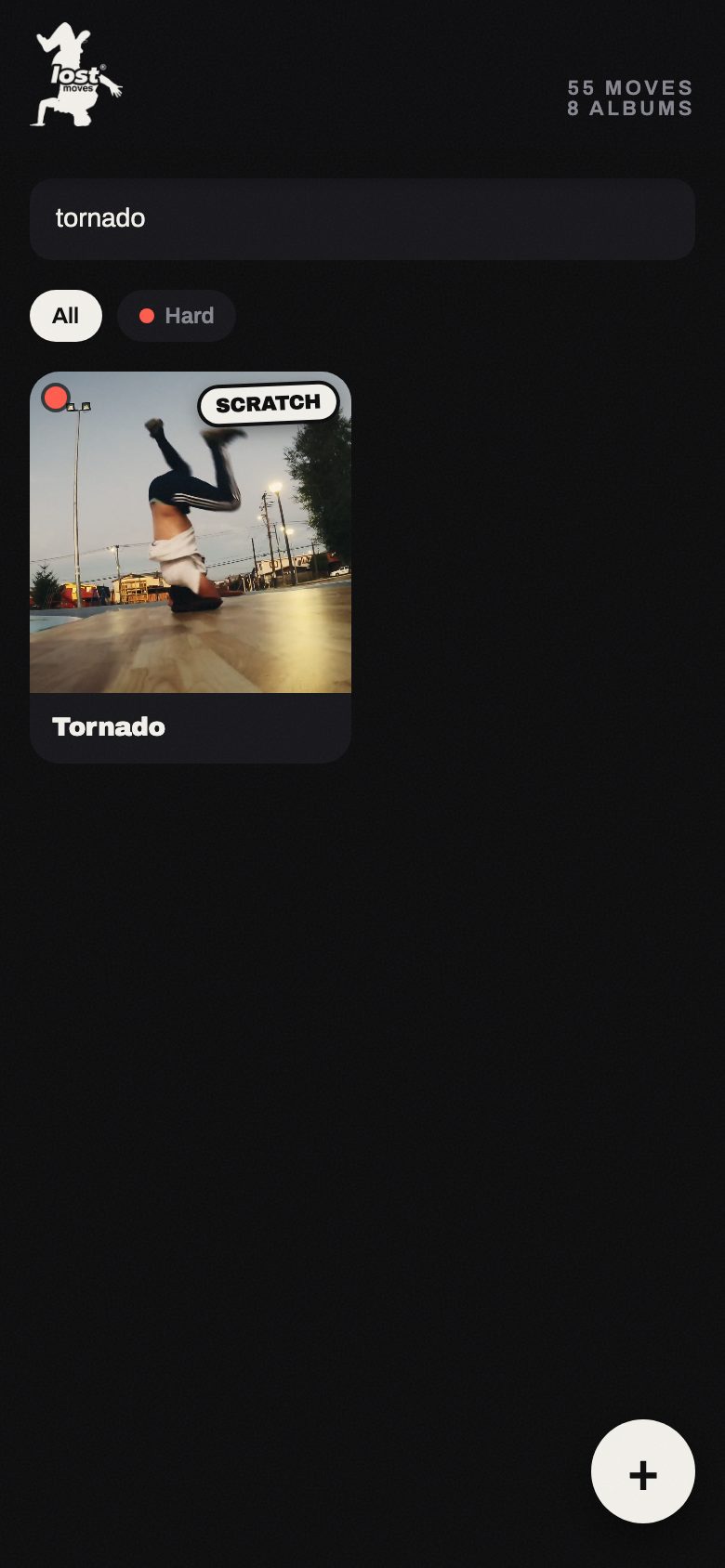
Search by name or sound, browse by album (Bomb, Power, Footwork, Go-downs, Entries...). You know exactly what you're bringing.
Why not the camera roll / Notion / Drive?
Because none of those were built for this. A video in your camera roll has no difficulty, no sound, no combos — it's just another file, buried among all your other photos. Notion and Drive organize documents, not a movement arsenal you need to see at a glance right before stepping up to battle.
Lost Moves does one thing: keeps your real breaking arsenal always at hand, organized the way you actually think about it — not the way a notes app does.
FAQ
Yes — Lost Moves will be on the App Store and Google Play, like any other app.
Videos are automatically compressed on capture — a 4K, 13 MB clip comes out at around 2 MB.
Add them the same way as any new move — pick the clip from your phone, name it, tag it. Once it's in Lost Moves, you find it by name or sound instead of scrolling through your whole gallery.
An active b-boy who built it because it was happening to him, and uses it every day he trains.
We're getting ready to launch. Get on the list and be one of the first to have your full arsenal, always at hand.